Everything it takes to be understood.
Meet is deliberately small: messaging, explanations and the controls around them. No project boards, no recorded meetings.
Understanding
Personalized explanations
Quick, simple words, detailed, steps or visual. Set a default and switch on any message.
Your language
Read explanations in the language you prefer, with the original always available.
Sender review
Rewrites that could change your meaning wait for your approval.
Checked math
In Learning spaces, step-by-step arithmetic comes from Meet's calculator.
Teams and spaces
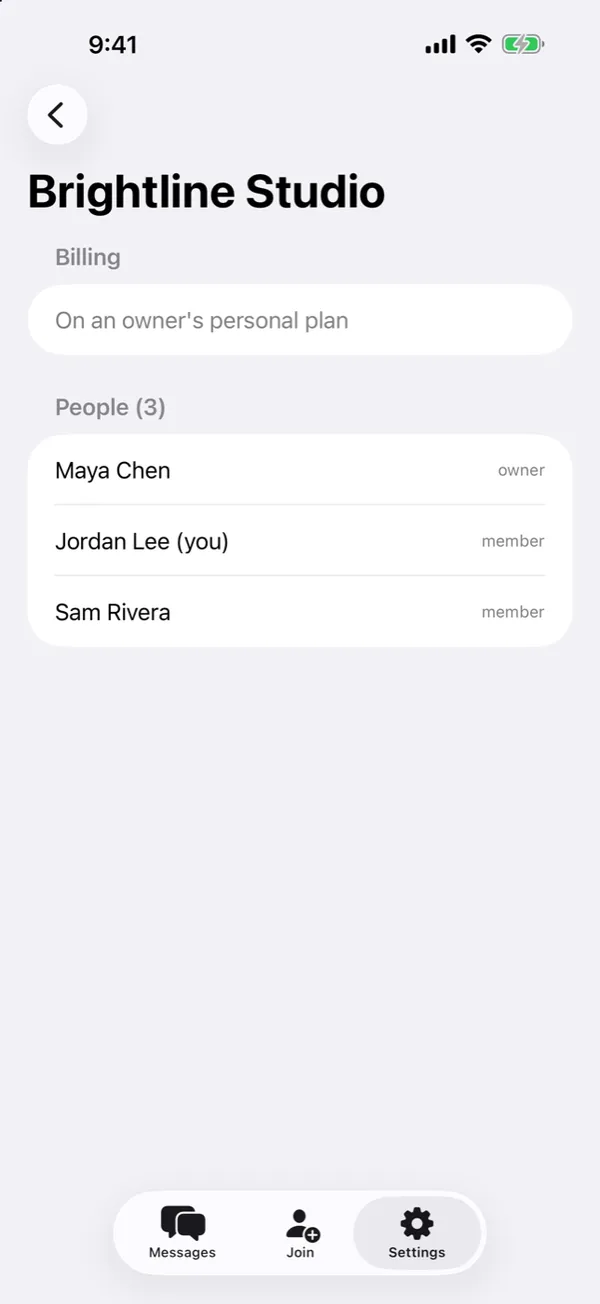
Organizations and spaces
Create a space for a team, client or class. Workspace and Learning modes.
Invitations
Invite people with a link or a join code. Organizations can sponsor their people's seats.
Private conversations
One-to-one threads inside a space. Admins manage people and settings, not what people say.
Safety controls
Report a message, block a person, and review who you've blocked.
Messaging
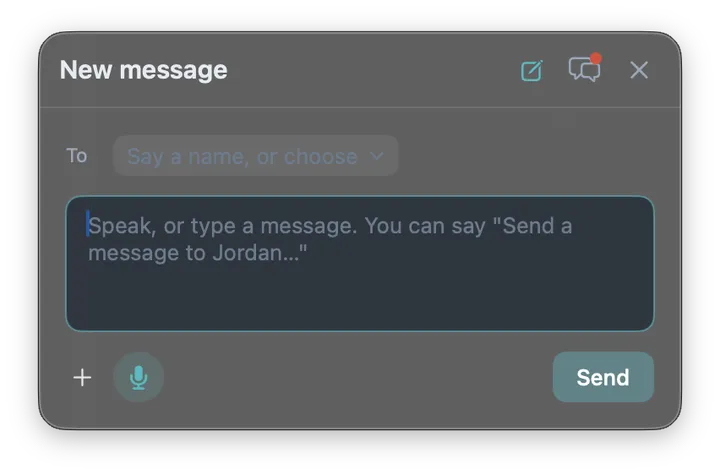
Voice to text
Record a message; the recording is discarded as soon as it's turned into text.
Attachments
Share photos, screenshots and files you choose. Hide parts of a screenshot before sending.
Notifications without leaks
Alerts and reminder emails leave out message text unless you turn previews on.
Later and Mute
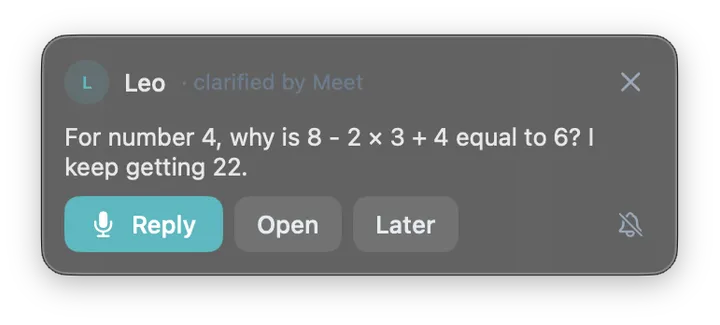
Answer when you're ready: snooze a message for later or mute a conversation.
Your account
Every device
Web, Mac (macOS 14+), Android, with iPhone and iPad in App Store review. One account everywhere.
Export and delete
Download your Meet data or delete it at any time from Settings.
Billing you control
Seats, invoices and cancellation in one place. Cancel and keep access until the period ends.
Sign in your way
Email, Google or Sign in with Apple.
A tiny Speaking Stone, not another window.
Press it or Control-Option-Space, say what you need, and get back to work. Incoming messages arrive as a small notification with Reply, Open, Later and Mute.
- The Mac download appears after you sign in on the web.
- Android: 3Stone Meet on Google Play.
One place per team, client or class.
Invite by link or code. Members see who's in the space and can start a conversation with anyone in it.